

Before opening a support ticket, we highly recommend checking our Help Center for answers. We’ve created detailed articles covering common issues, and there’s a good chance your question is already solved there.Documentation Index
Fetch the complete documentation index at: https://docs.gameboost.com/llms.txt
Use this file to discover all available pages before exploring further.

Log in to your account
Sign in to your GameBoost account at gameboost.com.
Open the Support section
Navigate to the Support section. You’ll find it in the main menu or website footer.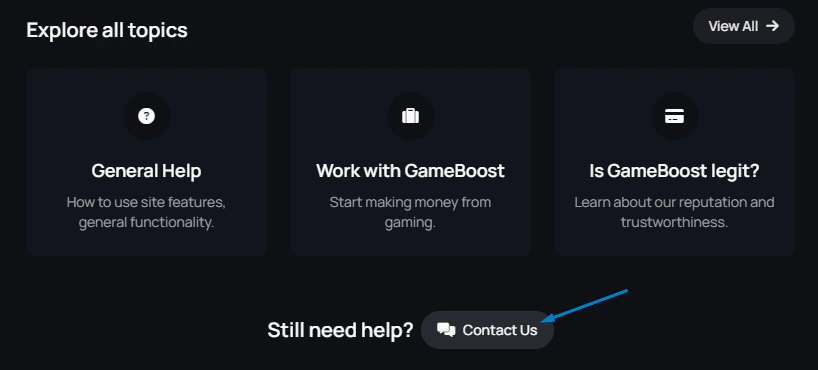
Start a new ticket
Click Open a Ticket.
Link your order
Select the relevant order if your issue is tied to a specific purchase. This links your ticket directly to the order for faster support.
Describe the issue
Write a clear and detailed description:
- What exactly is not working
- What you’ve already tried (e.g., contacted seller, used the client report)
- Any error messages or unusual behavior
- If the issue involves credentials, email, or something else related to the offer
Quick tip for faster help
- The more detail you provide, the quicker we can help.
- Include order numbers, usernames, or platform info if relevant.
- Don’t forget to check our Help Center — it may save you time!